Saatica
More than 60 clocks for your Mac.
Pick a face, keep one on your desk, or let one fill the screen when you step away. Or build a clock of your own.
Requires macOS 14 or later.
The collection
More than 60 faces, from many hands.
Typographic, analog, binary, playful, strange. Browse the gallery, search by name or designer, and keep favourites.
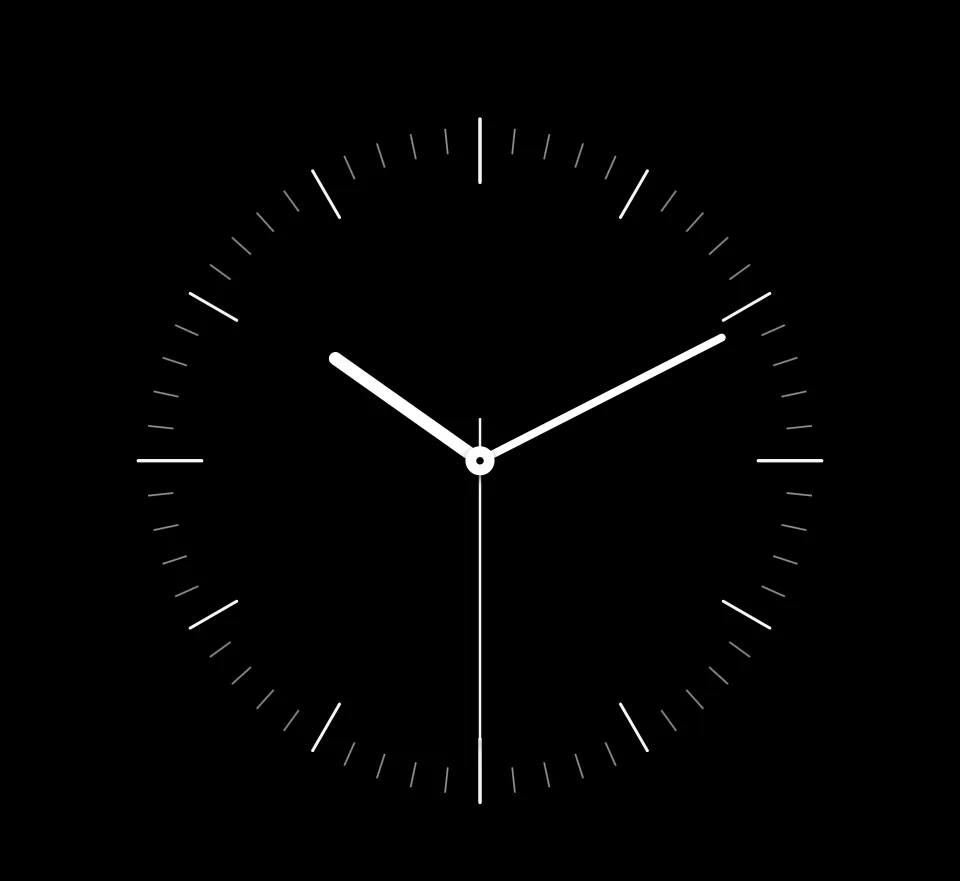
Precision DialNina Borel 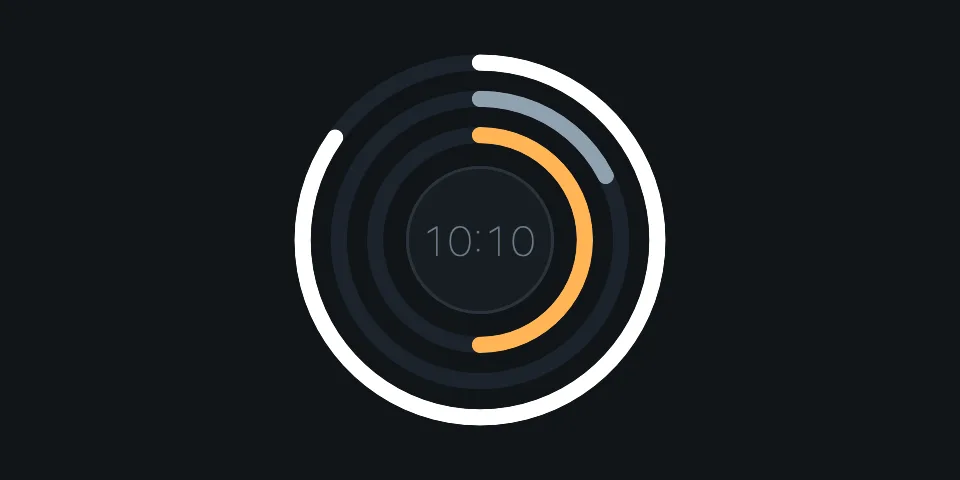
EclipseMisbach 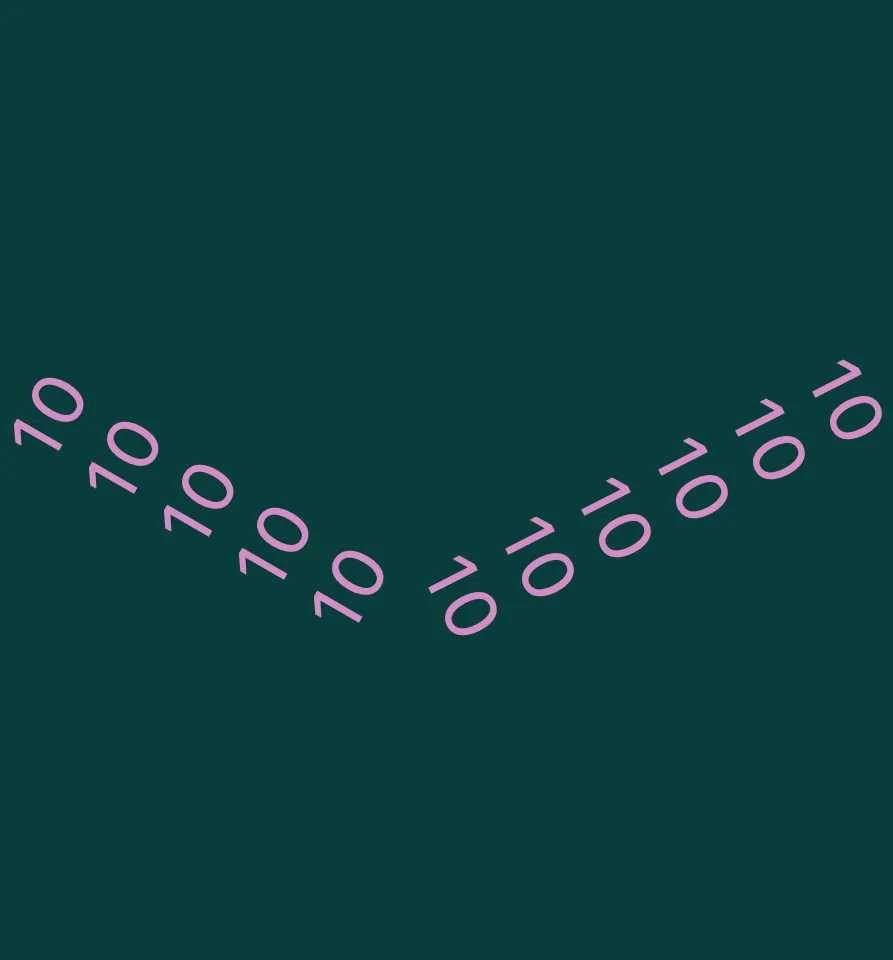
Figure HandsMatteo K. 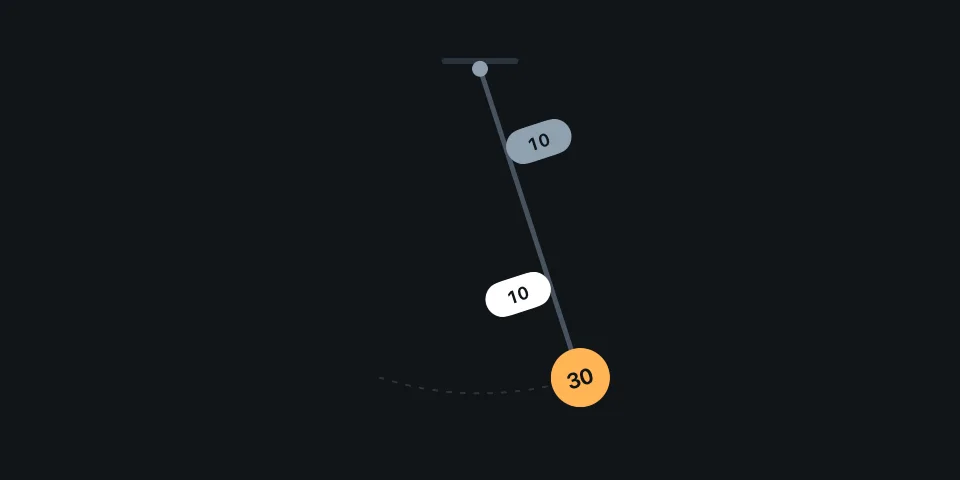
PendulumMisbach 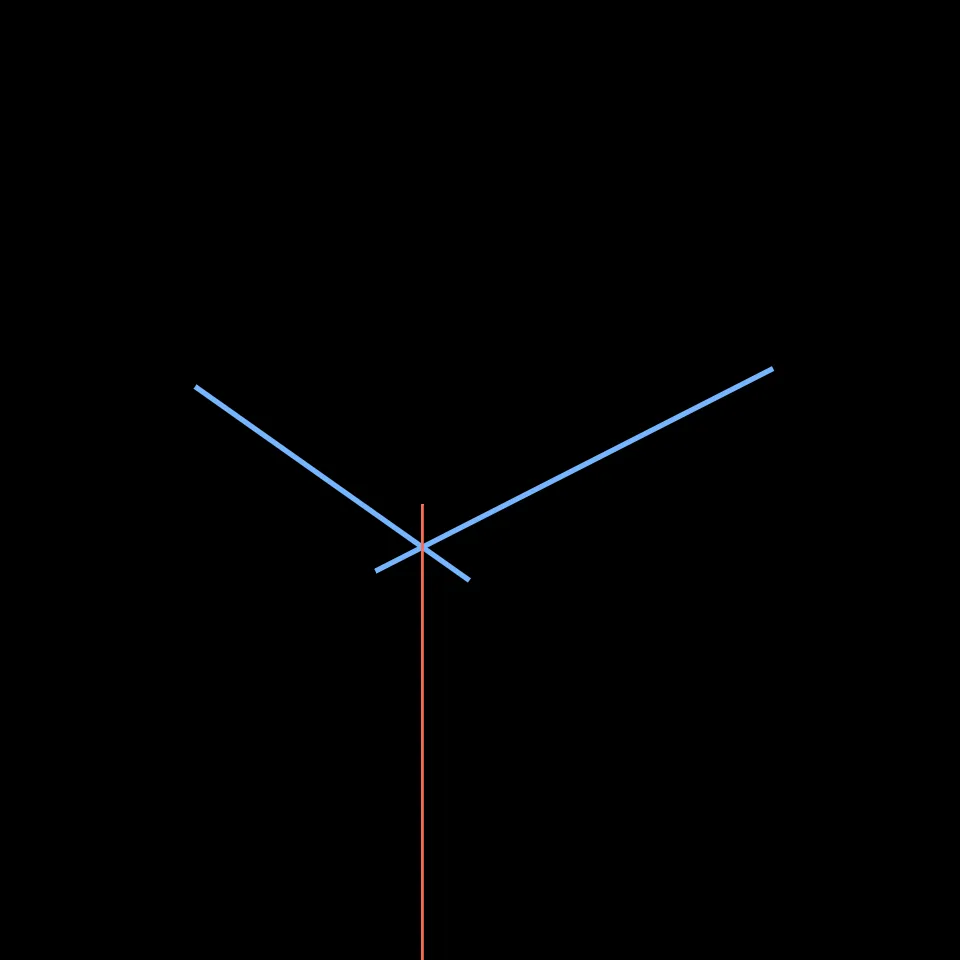
Three LinesLev Miseri 
Veiled HandsAnouk W. 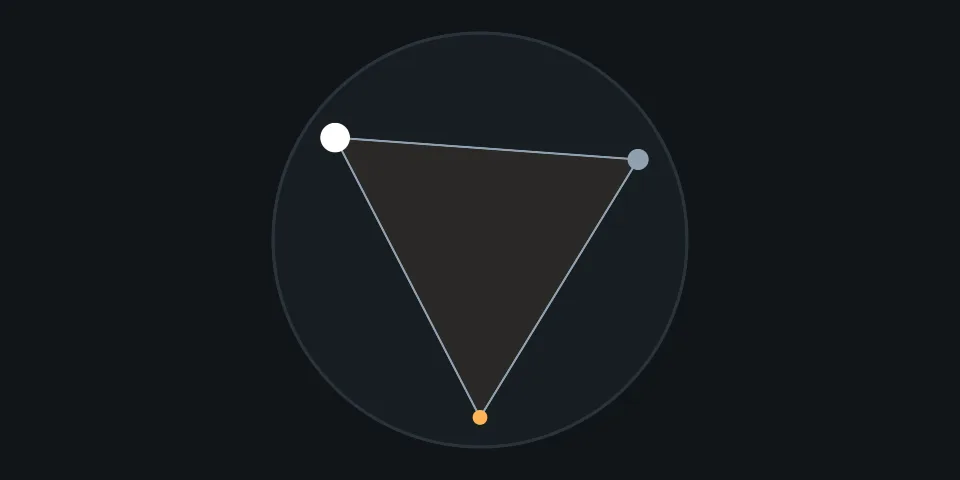
IsochronMisbach 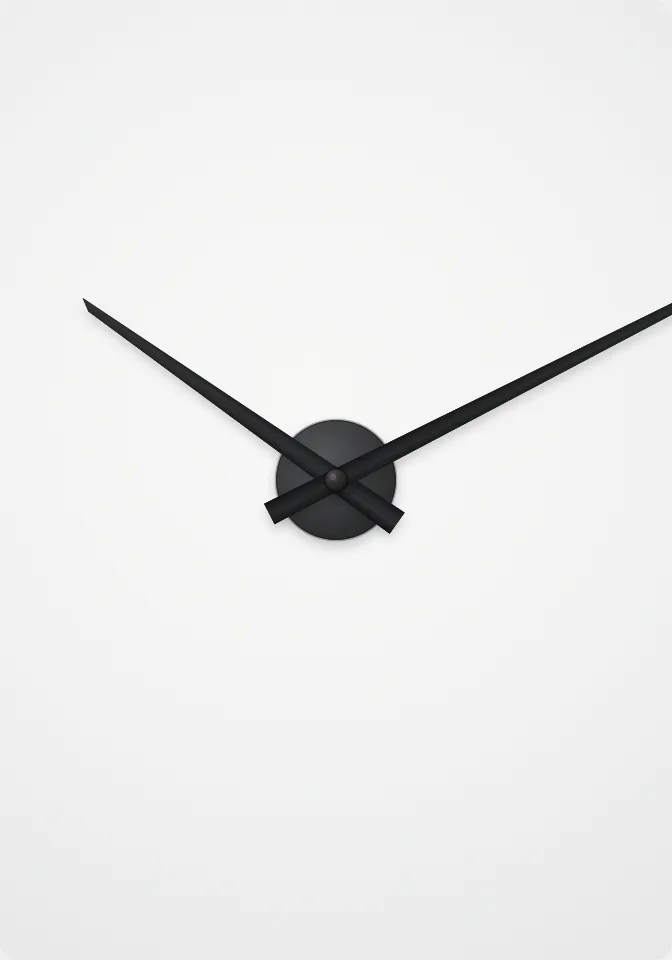
Minimal DiscLev Miseri 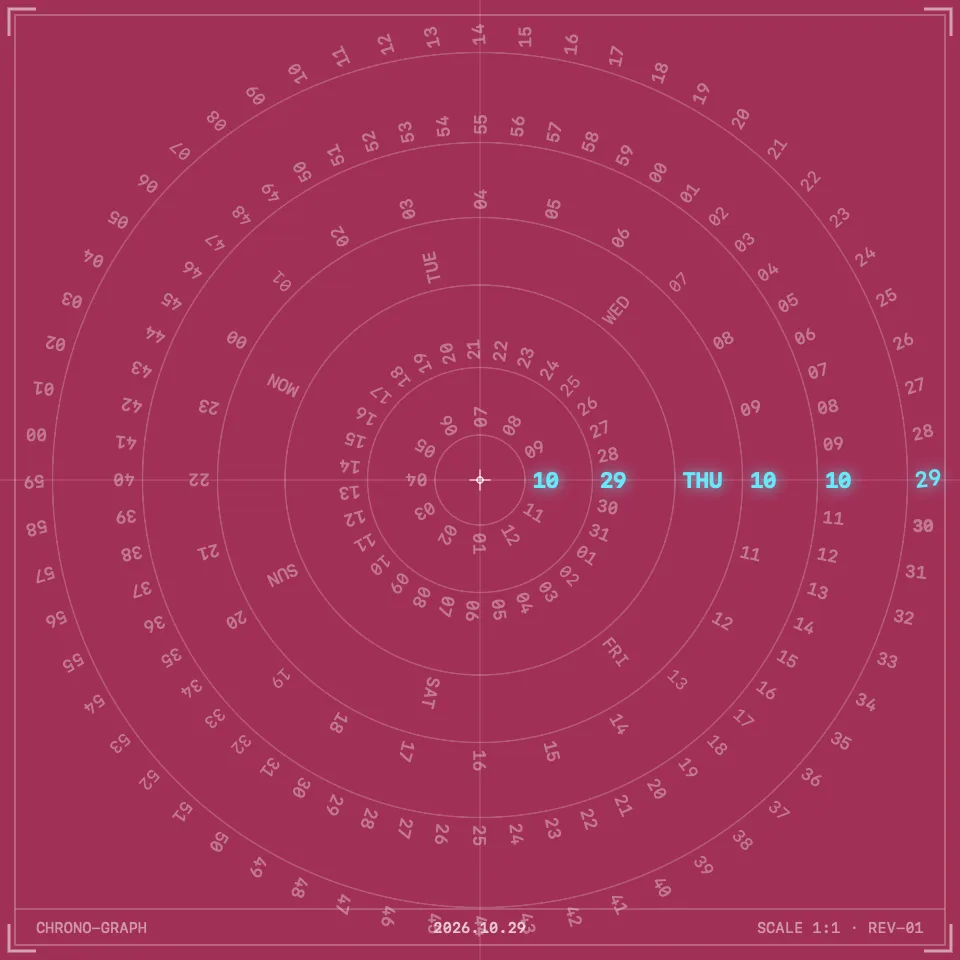
Compass ClockJunLog 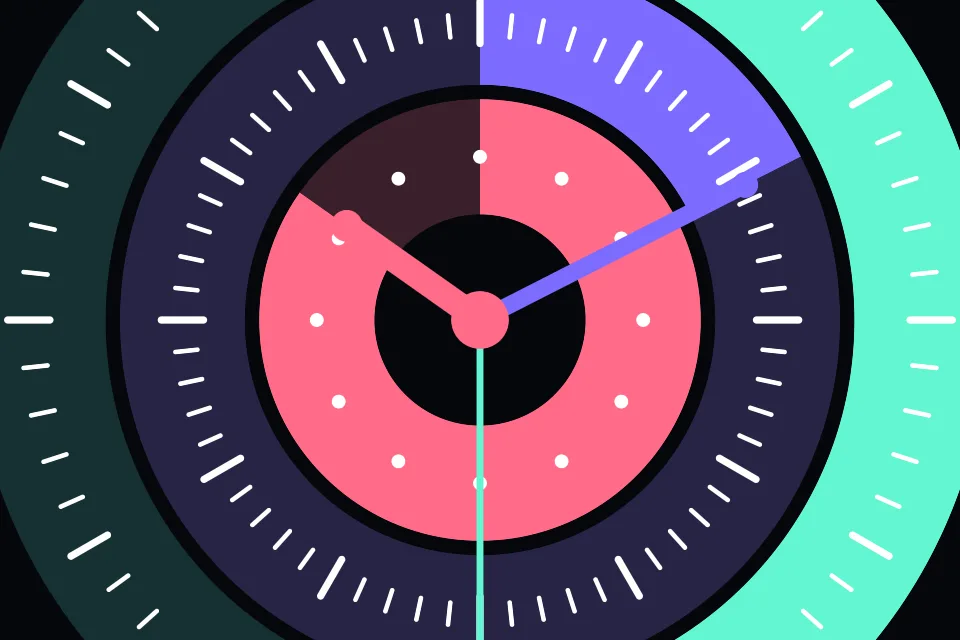
Radial Fieldmarta3000 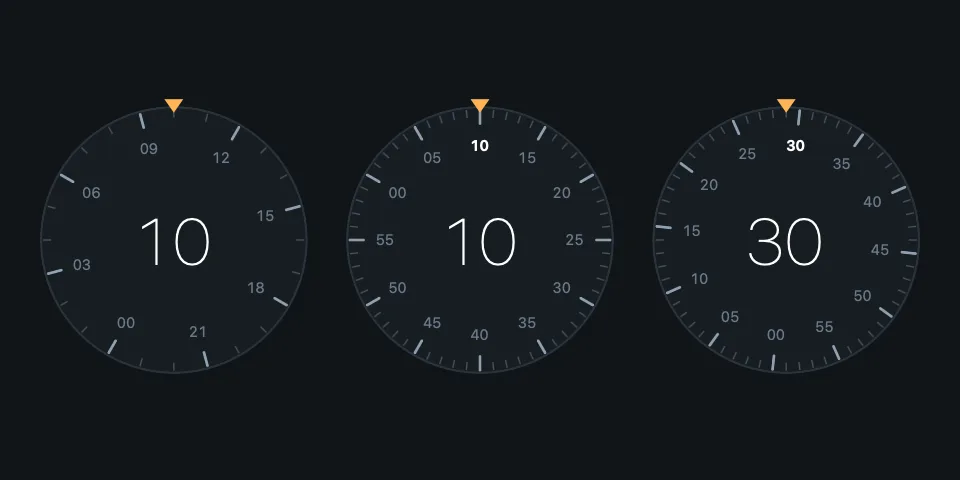
TumblerMisbach 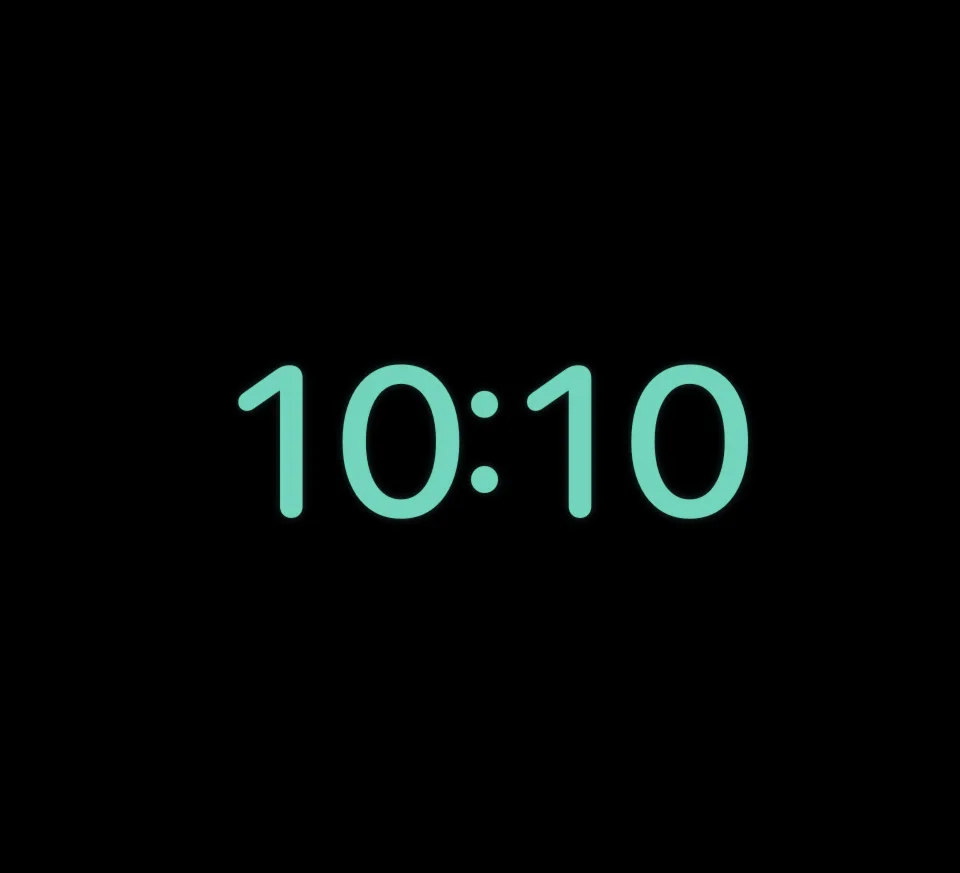
Mint Timejules8
Each face is shown at about 10:10.
See all the faces →The faces are based on designs published on clocks.dev, and designers are credited by name wherever clocks.dev lists them. Saatica is an independent app and is not affiliated with clocks.dev or the designers it credits.
Features
Four ways to have a clock on your Mac.
Full screen when you are away
While Saatica is running, it starts a face full screen after 1 to 30 minutes of inactivity. You can also start one yourself. Any key or mouse movement dismisses it.
A desk clock
A small window that stays on top of your other windows. Drag it wherever you like.
In the menu bar
Switch faces or open the app from the menu bar, without going near the Dock.
Shuffle
Change face every 1, 5, 15 or 30 minutes, so the screen never settles into one look.
Make each face yours.
- Colours
- Set the background, primary and muted colours of any face. Reset to the default whenever you like.
- Layout
- Framed or edge to edge. Scale from 60% to 140%. 12- or 24-hour time, with seconds shown or hidden.
- Burn-in protection
- A slow pixel shift with adjustable size, for OLED and Mini-LED screens.
- Time scrubber
- Drag through the 24 hours to see how a face looks at any time of day.
Clock builder
Or make a clock of your own.
Start from one of five styles. Then choose a title, a shape, colours and details. Your clock joins the collection next to the rest until you quit the app.
- Style
- Title
- Shape
- Colours
- Details
Digital Typographic
Minimalist Analog
Orbital Rings
Binary Matrix
Perspective Tilt
Privacy
It is a clock. It keeps to itself.
- No account
- No analytics
- No tracking
- No networking code
Your settings stay on your Mac.
Read the privacy policyQuestions
More help is on the support page.
Give your Mac a clock worth looking at.
Coming to the Mac App StoreRequires macOS 14 or later.